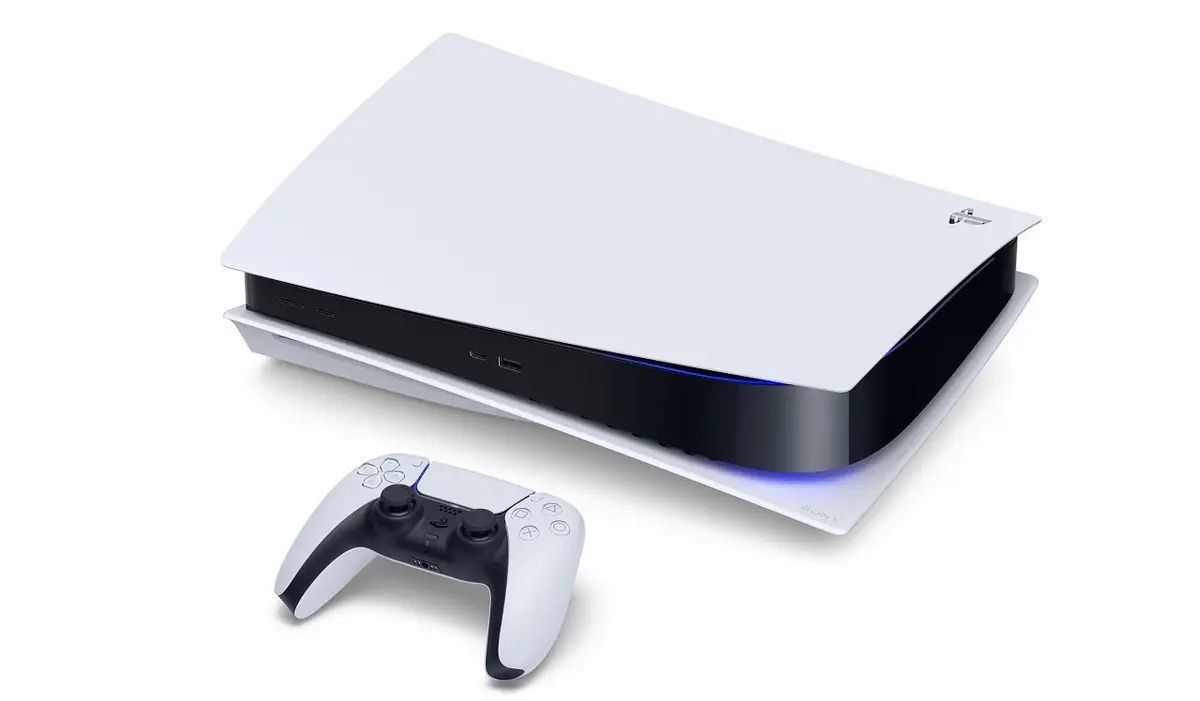
If you’re a heavy gamer, you should upgrade the PS5’s storage capacity because these days’ game files are bigger than ever. It’s also necessary if you wish to store screenshots or videos. Thankfully, you have some options at your disposal. Let’s examine them; continue reading.
Upgrading the internal SSD memory on your Playstation is the first and best course of action. Make sure the SSD has a minimum sequential read speed of 5,500 MB/s and is PCIe Gen4 x4 M.2 NVMe. It should have a heatsink for cooling and storage ranging from 250 GB to 4 TB. Installing the memory does require opening the PlayStation, but it’s a simple process that only requires a few screws. Because it is a component of the system and operates quickly, this memory is always there when you need it.
A USB drive is the best option if you want to store game files and save files, images, and video in a way that you can move them between systems. Additionally, using a USB drive eliminates the need to unlock the computer. It can be an HDD or SSD, but USB 3.0 or higher is required. When you insert it, you might need to format it to use it with the PlayStation 5.
Navigate to Settings > Storage.
Choose the game you wish to transfer, then decide whether to move it to the internal SSD or the extended storage.
Sometimes, the biggest opportunities begin when you realize you have outgrown where you are. For… Read More
Apple started introducing Apple Pay in India on Tuesday. Axis Bank, the country's third-largest private-sector… Read More
As all-in-one AI agents such as Meta’s Muse and Instinct gain momentum, Google has announced… Read More
Major League Baseball's 2026 postseason begins Tuesday, Sept. 29 with four best-of-three wild card series,… Read More
A Career Built on Authentic Beauty For more than 30 years, Brigitta Würfl has built… Read More
While the release of iOS 27 took much of the attention, Apple also rolled out… Read More
