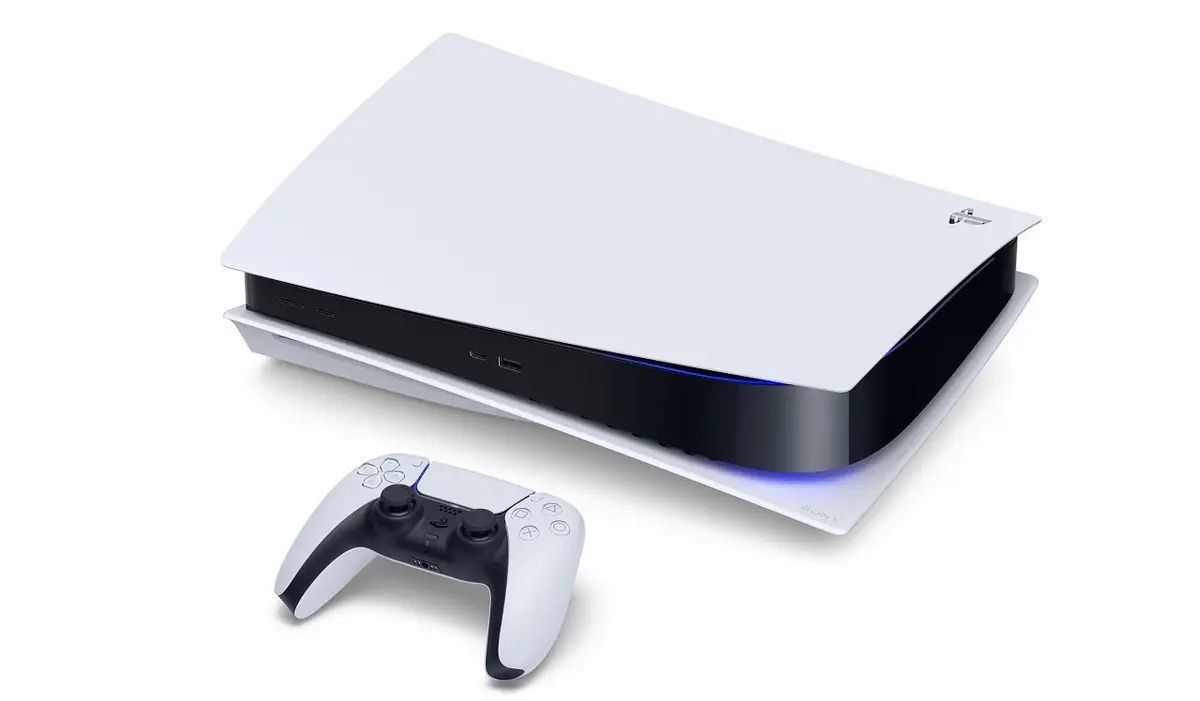
If you’re a heavy gamer, you should upgrade the PS5’s storage capacity because these days’ game files are bigger than ever. It’s also necessary if you wish to store screenshots or videos. Thankfully, you have some options at your disposal. Let’s examine them; continue reading.
Upgrading the internal SSD memory on your Playstation is the first and best course of action. Make sure the SSD has a minimum sequential read speed of 5,500 MB/s and is PCIe Gen4 x4 M.2 NVMe. It should have a heatsink for cooling and storage ranging from 250 GB to 4 TB. Installing the memory does require opening the PlayStation, but it’s a simple process that only requires a few screws. Because it is a component of the system and operates quickly, this memory is always there when you need it.
A USB drive is the best option if you want to store game files and save files, images, and video in a way that you can move them between systems. Additionally, using a USB drive eliminates the need to unlock the computer. It can be an HDD or SSD, but USB 3.0 or higher is required. When you insert it, you might need to format it to use it with the PlayStation 5.
Navigate to Settings > Storage.
Choose the game you wish to transfer, then decide whether to move it to the internal SSD or the extended storage.
Off-price retail has quietly become one of the most resilient corners of the entire shopping… Read More
Cardi B, the top nominee at the 2026 BET Awards with six nominations, is scheduled… Read More
Swiss International University (SIU) reached a big international moment, by landing in the world top… Read More
Selling a property in Hale requires preparation, accurate pricing, and a clear understanding of what… Read More
For many British business owners, the conversation around international expansion has changed significantly over the… Read More
In real estate, trends come and go, but one principle remains constant: location is the… Read More
