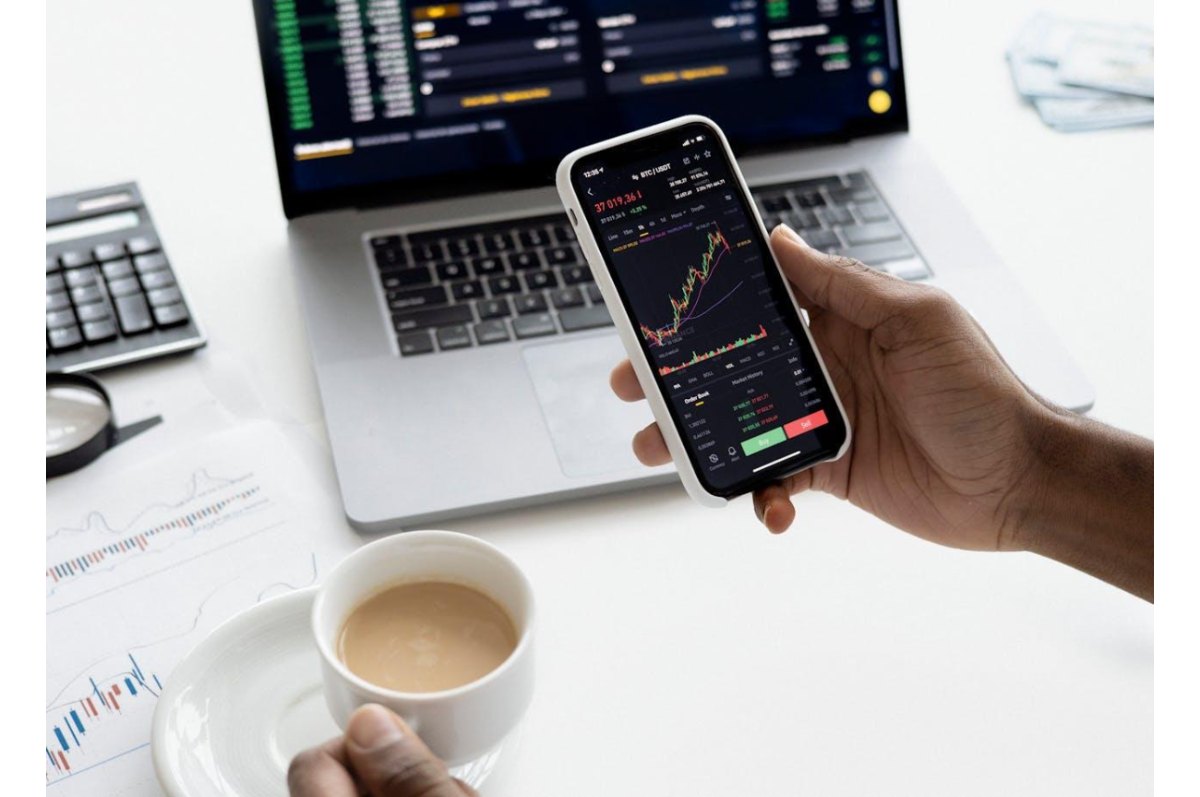
Trading platforms can make or break your investment journey. With so many options available, choosing the right one feels overwhelming. MetaTrader 5 stands out as a powerful tool that transforms how traders interact with financial markets.
This platform offers everything from basic charting to advanced automated strategies, making it suitable for both beginners and experienced traders. Getting comfortable with this software takes time, but the rewards are substantial.
Download the software directly from your broker’s website or the official developer’s site. Most brokers provide customized versions that connect seamlessly to their servers. The installation process typically takes just a few minutes on Windows, Mac, or mobile devices.
Create your trading account credentials during setup. Your broker will provide login details that include a server name, account number, and password. Keep these details secure, as they’re your gateway to live market data and trading capabilities.
Once installed, the platform connects automatically to your broker’s servers. You’ll see real-time price feeds, charts, and market information immediately.
Your workspace determines how efficiently you can monitor markets and execute trades. The default layout includes price charts, market watch window, and trading terminals. However, MetaTrader 5 allows complete customization of these elements to match your trading style.
Arrange windows according to your preferences. Drag charts to different positions, resize panels, and remove unnecessary components. Many successful traders prefer multiple chart configurations that they can switch between quickly during different market conditions.
Charts are your primary tool for market analysis, so customizing them properly saves time and improves decision-making. Start with timeframes that match your trading strategy. Day traders might focus on 1-minute to 15-minute charts, while swing traders prefer hourly or daily views.
Color schemes affect how quickly you process visual information. Choose contrasting colors for candlesticks or bars that make price movements easy to identify. Many traders prefer dark backgrounds with bright price bars, but experiment to find what works best for your eyes.
Grid lines and price levels help you spot important support and resistance areas. Enable these features to improve your technical analysis accuracy. You can also draw trend lines, rectangles, and other shapes directly on charts to mark significant price levels.
Efficient order placement separates successful traders from those who struggle with execution. Right-click on any chart to access the trading menu, where you can place market orders, pending orders, or modify existing positions.
Set your position size carefully before confirming any trade. The platform calculates required margin automatically, but always verify you’re risking an appropriate amount. Many traders use position sizing calculators to maintain consistent risk levels across all trades.
Stop-loss and take-profit levels should be set simultaneously with your entry order. This ensures you have predefined exit points regardless of market conditions.
Technical indicators transform raw price data into actionable insights. The platform includes over 80 built-in indicators covering momentum, trend, volume, and volatility analysis. Start with popular indicators like moving averages, RSI, and MACD to understand how they interact with price movements.
Apply indicators strategically rather than cluttering charts with too many signals. Three to four well-chosen indicators often provide better guidance than a dozen conflicting ones. Each indicator should serve a specific purpose in your analysis framework.
A Complete Summer Skincare Guide by Blossom Kochhar Aroma Magic Summer is not just a… Read More
The United Arab Emirates has emerged as a global hotspot for luxury travel, attracting visitors… Read More
Google is introducing the standalone Gemini Enterprise app for Android, which will deliver its corporate-grade… Read More
Digital payments have changed how we handle money. Whether you are paying for a small… Read More
Taking care of your health and well-being doesn’t have to mean dramatic changes or strict… Read More
We often talk about growing up as if emotions mature on a perfect timeline, children… Read More
