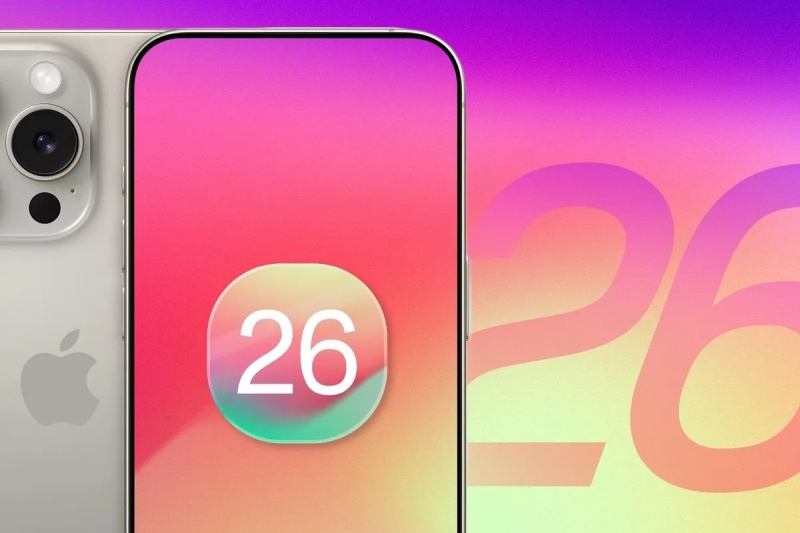
Apple released the first iOS 26 developer beta after the conclusion of WWDC 25 last week. This early release enables developers and fans to test the features and settings showcased on stage at Apple Park, including a big redesign and AI upgrades to the iPhone operating system.
The largest new feature is Liquid Glass, which has a transparent, lens-like appearance and is Apple’s latest, unified design language for all of its devices. FaceTime and Messages have Live Translation built in to facilitate multilingual communication. An improvement on Live Voicemail, Call Screening answers unknown calls for you, asks why the call is coming from you, and displays a live transcript so you may choose whether to answer or let it go to voicemail. Its sidekick, Hold Assist, listens to the hold music for you and pings you the instant a real person comes on the line. And there’s a lot more.
By jumping straight from iOS 18 to iOS 26, Apple is syncing its mobile OS naming with the rest of its platforms and signaling a generational leap rather than the usual annual tune-up. With improvements and changes to almost every aspect of the iPhone, it’s the largest OS update since iOS 7.
You can now test out any of these features if you would like. This is the method for downloading iOS 26.
Although the iOS 26 developer beta is free, keep in mind that it is intended for developers and not for everyday users. Early builds frequently have issues that might cause your phone to overheat, crash apps, drain your battery, and generally make your device seem slow. Sticking with the public beta, which will be released next month, on your primary iPhone is preferable unless you need to test apps against Apple’s upcoming release.
You can download iOS 26 as long as you have an iPhone 11 or later. This indicates that all A13 Bionic phones, including the upcoming iPhone 17 models, are covered, whereas the iPhone XR/XS generation is no longer available. The complete list of iPhone models that are compatible with iOS 26 is as follows:
Only compatible phones, such as the iPhone 16 model and the iPhone 15 Pro and Pro Max, can use Apple Intelligence.
There are several things you should do before you get too enthusiastic and begin installing the iOS 26 developer beta:
After completing these steps, you’re essentially set to start.
Anyone may now install developer betas on Apple without having to pay the $99 annual fee. To accomplish this, go to the Apple Developer website on the device you want to update, select Account from the ☰ menu, and log in using the Apple ID of that device. After checking the necessary boxes and agreeing to the terms, click Submit. Developer Mode may also need to be enabled under Settings > Privacy and Security.
The iOS 26 developer beta is now available for over-the-air update installation on your phone:
Lastly, enter your passcode, agree to the terms and conditions, and then let the installer finish. The download-and-reboot process should take about 10 to 15 minutes on a good Wi-Fi connection; however, this could change. You will be using the iOS 26 developer beta when your iPhone restarts.
September is offering skywatchers several opportunities to observe notable events. Venus will reach its greatest… Read More
SIU Swiss International University, a member of the VBNN Smart Education Group, has officially opened… Read More
Why portfolio structure and the Gastauer Foundation matter after the June 2026 AUM revaluation The… Read More
Apple officially revealed its next-generation products tonight, introducing some of the most significant changes in… Read More
Apple has officially introduced the release candidate (RC) build of macOS 27, known internally as… Read More
Siri AI, Apple's long-awaited overhaul of its digital assistant, will become available in five additional… Read More
