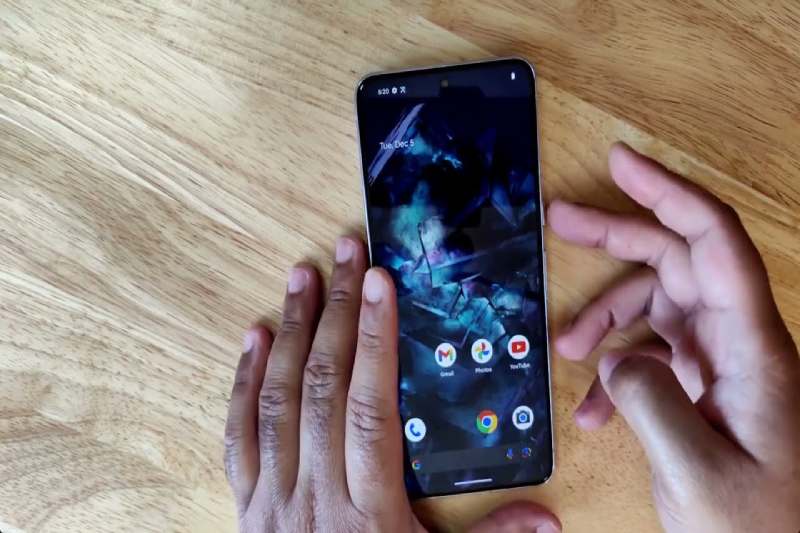
The Google Pixel features a privacy mode to protect your selfies from prying technicians
A new “repair mode” gives Google Pixel owners who need to send their devices in for maintenance an additional way to safeguard their data from prying technicians.
In a blog post this week, the internet behemoth revealed the addition of repair mode to a few Pixel devices, characterizing it as a straightforward toggleable way to “protect privacy and make sure devices are repaired quickly and efficiently.”
Repair mode functioned by creating a fresh Android install in a dedicated partition with restricted functionality, but without granting access to the device owner’s personal data, according to a new help page on Google’s Pixel Phone support site.
Google stated that some apps made specifically for technicians are only available in repair mode, and that access to Google Play, Messages, Text-to-Speech, Google Search, and other apps is disabled in this mode.
“Most repair techs are trustworthy people who just want to help you get your stuff working again. But it can be nerve-racking to unlock your phone for a stranger, and repair techs shouldn’t need access to your data to confirm that the speakers or cameras work,” iFixit CEO Kyle Wiens said of the new Pixel feature. “We’re glad to see Google introducing this feature that takes the worry and hassle out of sending in a phone for repair.”
According to Google, repair mode can be used for mail-in or walk-in repairs. When repair mode is turned off, any modifications made to the device—aside from system updates—are reversed.
According to Google, there is no assurance that utilizing repair mode will stop a technician from choosing, if necessary, to wipe the entire device while performing a repair.
“If parts that affect the storage need to be replaced during the repair service, the technician must wipe your phone’s data even if you have turned repair mode on,” Google states on the help page, and advises Pixel owners to still take a full backup before sending the device in for repair.
Repair mode is accessible through the Settings app under the System menu on Pixel devices that are compatible, meaning they are running Android 14 with the December 2023 update or later and have 2 GB of free space available, for those who would like to have a look at it.
Not all revolutions start with noise, some begin with a quiet shift in how we… Read More
Delvia Holidays has reported a significant rise in demand for international family tours, reflecting a… Read More
EdvanceNow has announced the launch of its Career Accelerator MBA and DBA programs, aimed at… Read More
A Complete Summer Skincare Guide by Blossom Kochhar Aroma Magic Summer is not just a… Read More
The United Arab Emirates has emerged as a global hotspot for luxury travel, attracting visitors… Read More
Google is introducing the standalone Gemini Enterprise app for Android, which will deliver its corporate-grade… Read More
