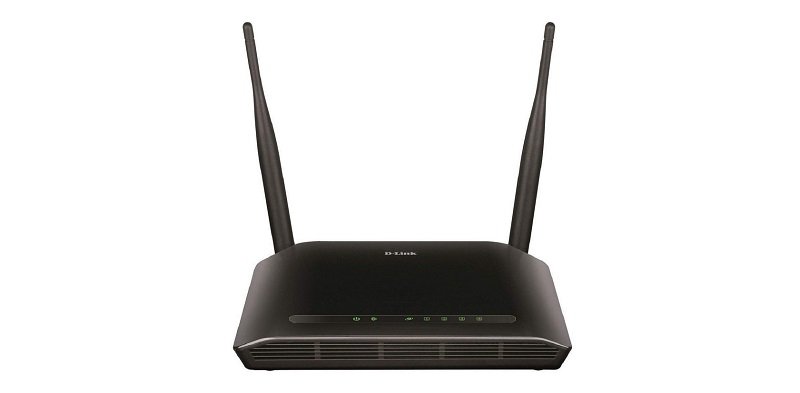
There are some instances that happen where you get stuck to a router password? We all get as we tried our best to set the password as challenging as it can be, and then we forget about that.
Well, you don’t have to worry even if you have forgotten your password. Here is the step-by-step guide, which will definitely help you fix or recover your Router Password.
Ways to Recover Router Password with Ease
Now, before moving on, you first have to find the try to log in to the device by using the default username and password credentials. However, if you can’t be able to do that, here is the complete guide to help you fix or recover your router password without hassle.
i) First, have a look at the router manual which you get with the router. Although all the routers come with different username and password, you can still check it out.
ii) Now after checking out the full manual, you might get the sticker where all the router companies display their router IP address such as 192.168.l.254 router ip address and unique passwords.
iii) Last, if nothing works, you just have to look for the small ‘Hidden’ button simply press it and wait for the router too reset to factory settings.
Now, once the reset process is performed, you can configure it and set the manual password.
Alternative Method: ~ Router Password Settings
Now, think that you have forgotten everything and you want back your router passwords and nothing is working. Even you have tried several times by entering different passwords then you need to do this:-
Example:- Like I said that every router company sets the default username and password, and I am personally using the D-LINK, so the username for me is ‘admin’ and password is also ‘admin.’
So, every time you buy a router and have difficulties in finding the password, you can get the default username & password from the website of the router company which you buy. Or you can reset by it by the hidden button or simply look for the default username and password in the list.
The Conclusion
So, far you have seen some of the ways with which you can recover your router default username and password. Well, overall, the majority of the support UPnP, that is Universal Plug and Play. The UPnP allows you to ask the router to open specific ports for them.
If you have any queries or suggestions, do let us know in the comment section.
Investing in the stock market has become easier than ever, thanks to digital platforms and… Read More
Advances in DNA research have revolutionized our understanding of biology, health, and the human body… Read More
The usual discussion around climate change often focuses on burning carbon-rich fossil fuels such as… Read More
Google Finance is far from a new service—it has existed for two decades, dating back… Read More
Off-price retail has quietly become one of the most resilient corners of the entire shopping… Read More
Cardi B, the top nominee at the 2026 BET Awards with six nominations, is scheduled… Read More
