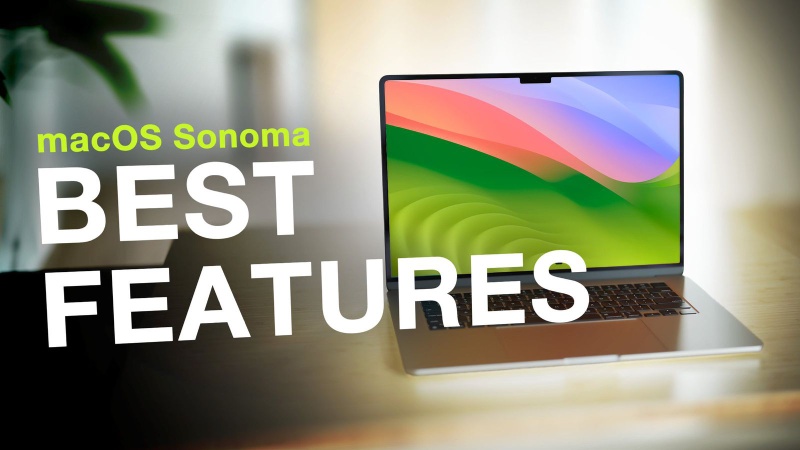
A wealth of new features that enhance both work and pleasure are now included in the free software update known as macOS Sonoma. Desktop widgets in macOS Sonoma provide you a new option to customize your Mac and get more done, and the Mac experience has never been better thanks to gorgeous new screen savers, significant enhancements to video conferencing and Safari, and gaming-optimized applications.
While other windows are active, widgets can be positioned directly on the desktop in macOS Sonoma and blend nicely with the wallpaper. Widgets also become interactive, enabling users to do tasks like finishing a reminder, pausing or playing media, accessing home controls, and more right from the widget on their desktop. Additionally, users can further personalize their Mac by adding widgets from their iPhone using the magic of Continuity.
Slow-motion clips of stunning places from all over the world are included in a new collection of screen savers in macOS Sonoma, including the expansive skyline of Hong Kong, the sandstone buttes of Monument Valley in Arizona, and the undulating hills of Sonoma in Northern California. Additionally, the screen savers easily change to the desktop background after logging in.
With the improved video conferencing functionality included in macOS Sonoma, users may present and share their work more successfully in any video conferencing program. Reactions enable users to express how they are feeling with simple hand motions that start entertaining, frame-filling 3D effects like balloons, confetti, hearts, and more. Presenter Overlay places users in front of the content they are sharing.
So that users may rapidly move between them, Safari profiles keep browsing separate between topics like work, school, and more. When not in use, Private Browsing windows are closed and known trackers are prevented from loading, making it even safer against some of the most sophisticated methods for tracking users.
Users of Safari can now add any website to the Dock much like they would an app, replete with notifications and a streamlined toolbar for an app-like experience.
Tens of millions of Macs can run demanding games with exceptional performance, extended battery life, and stunning images thanks to the strength of Apple hardware. With Game Mode in macOS Sonoma, the gaming experience is considerably enhanced. It offers more stable frame rates and significantly lower input and audio latency when using wireless game controllers and AirPods. Any game, including recently released and future Mac titles like DEATH STRANDING DIRECTOR’S CUT, Stray, Layers of Fear, and SnowRunner, can be played in Game Mode.
Sometimes, the biggest opportunities begin when you realize you have outgrown where you are. For… Read More
Apple started introducing Apple Pay in India on Tuesday. Axis Bank, the country's third-largest private-sector… Read More
As all-in-one AI agents such as Meta’s Muse and Instinct gain momentum, Google has announced… Read More
Major League Baseball's 2026 postseason begins Tuesday, Sept. 29 with four best-of-three wild card series,… Read More
A Career Built on Authentic Beauty For more than 30 years, Brigitta Würfl has built… Read More
While the release of iOS 27 took much of the attention, Apple also rolled out… Read More
