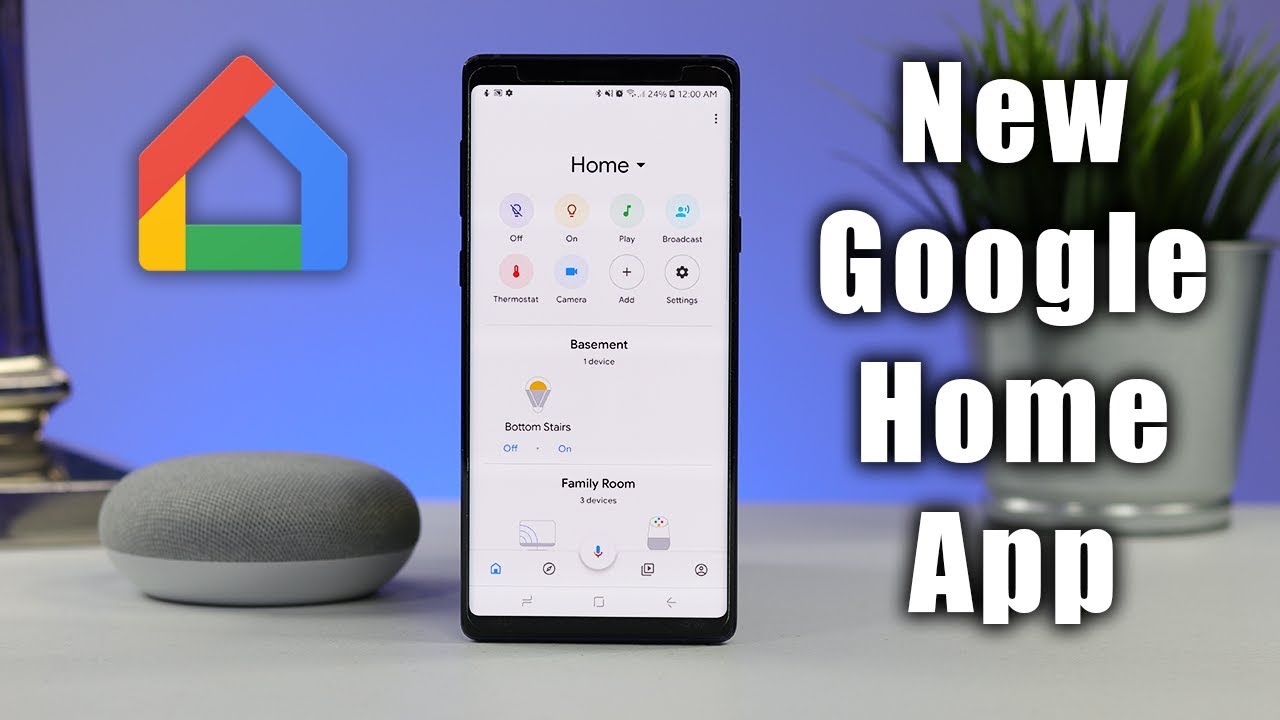
Google is expanding the Home app’s automation features with a ton of new starters and actions in response to last week’s first-gen Nest Cam Indoor update. Without the need to sign up for the Preview Program, this will begin rolling out to all users today.
On the starter front, you can use the following signals from various smart home devices, sensors (temperature, humidity, contact, and occupancy), and even electric cars as triggers:
- Open/Close: Turn off the thermostat when the window is opened.
- Device is charging/plugged in: Your electric vehicle (EV) may begin downloading updates or playing music while it is charging automatically.
- Temperature: Open the window and switch on the fan if the interior temperature exceeds 80 degrees.
- Volume is muted: Muting the volume can also cause the speakers to turn off or a timer to be set off.
- Docked or undocked device: commonly seen on vacuums, mowers, and mops. For example: Announce to the home that the vacuuming is complete when it docks.
- Device is paused: When you pause your television program, the device may automatically dim the lights or switch on the fireplace.
- Lock is jammed: If your door lock is stuck, announce to the house that the lock is jammed and pulse a light.
- Humidity Percentage: When the relative humidity falls below 40%, start the humidifier.
- Occupancy Sensing: Turn on the light when someone is detected in a particular area or room.
Similar to that, the Google Home app now has nine more actions:
- Light effects
- Pulse: Provide visual feedback. Pulse my bedroom light when the doorbell is pressed.
- Wake/Sleep: After I turn off my alarm, gradually turn on the lights over the course of an hour.
- Color Loop: For 30 minutes after I say “Party Time,” Color Loop will light up.
- Device open or closed: It’s simple to open or close windows, doors, or blinds by doing these actions: Open the blinds at 7 a.m. Close the blinds at 10 p.m.
- Dock device: You can now program an action to dock a device, such as a vacuum, a mop, or a lawnmower: Dock the vacuum cleaner at 5:00.
- Set Humidity: Depending on the temperature in your home, you can adjust the humidity level. These steps could contribute to better air quality: Turn on the humidifier if the humidity in my home is too low.
- Device to pause/unpause: Just pause or unpause gadgets like your TV, music player, and video game. Even equipment like vacuums, sprinklers, dishwashers, washers, and dryers can be controlled: Stop my robot vacuum when the doorbell rings.
- Timer: Start, pause, continue, or stop timers.
- Muted volume: When you need a moment of silence, mute or unmute electronics such as your phone, TV, and music player: When the youngsters are going to bed at 9 o’clock, turn the TV off.
- Reboot device: Quickly reboot devices like your TV, laptop, game consoles, and routers as soon as possible. This action might aid in problem-solving or performance enhancement: My router is set to reboot on the first of each month.
- Run software update: Update the software (such as on your Wi-Fi router). Run software upgrades to help your devices become more secure and effective: Plan when to upgrade your software.
The software update action appears to be especially detailed, but the Timer action can be used to:
- Set a 30-minute timer to finish cooking dinner.
- When I need to check on the food, I can pause the timer.
- When I’m done checking on the food, I’ll start the timer again.
- If I have to leave the house, please stop the timer.
If starters or actions aren’t offered in the Home app, Google notes that “device capability support is limited by the device manufacturer” and offers a comprehensive list to examine what features a firm has incorporated. On Google Home, the Automations tab is where you can establish Household Routines.