
Apps
Instagram Instants Guide: Turn Off the Feature and Delete Sent Photos

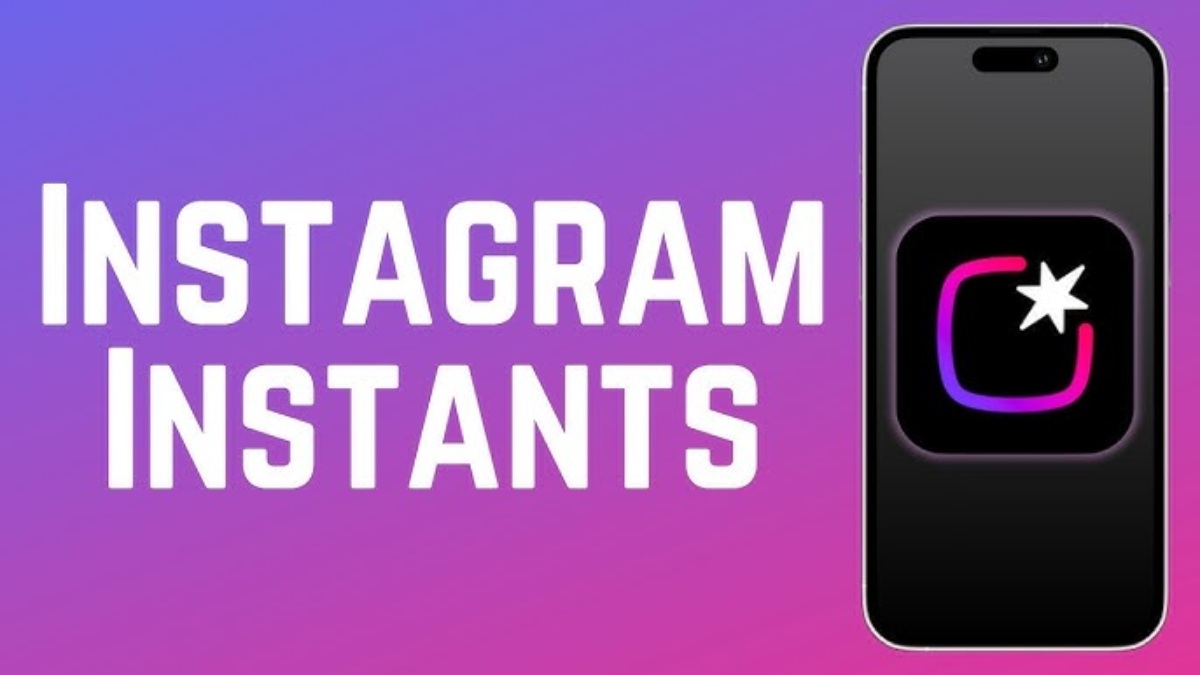
Yesterday, Instagram rolled out a new feature globally called “Instants,” which is designed for sharing disappearing and authentic photos. While the Meta-owned platform introduced Instants as a new way to share real-life moments instantly, many users are now searching for ways to disable the feature, especially after accidentally sending images without fully understanding how it works.
When users open Instagram’s new Instants section for the first time by tapping the small photo stack in the bottom-right corner of their inbox, the app displays a brief introduction explaining that Instants disappear, there is no viewers list, and reactions and replies remain private. The app then quickly guides users through viewing and reacting to Instants.
Once the camera opens, users will see a shutter button, and beneath it a toggle allowing them to choose between “Friends” and “Close Friends.” By default, the setting is automatically set to “Friends.”
What Meta does not immediately make clear is that the moment the shutter button is tapped, the captured image is instantly sent to everyone on the user’s Friends list unless the setting is manually switched to “Close Friends” beforehand.
Because the sharing process is not clearly explained, many users have accidentally sent photos to people they did not intend to share them with. Although Meta includes an “undo” option after a photo is sent, many users miss it because the experience can feel sudden and overwhelming. In some cases, users did not even realize a photo had already been shared.
On a platform like Instagram, where users are used to carefully reviewing and curating their posts before publishing them, the feature’s instant-sharing approach has frustrated many people due to privacy concerns.
Not surprisingly, many users are now looking for ways to disable the feature. Here’s how to turn it off and how to retract a photo if one was shared accidentally.
How to Turn Off Instants
To disable the Instants feature, open your profile and tap the three-line menu in the top-right corner to access settings. Scroll down to “Content Preferences” and enable the option labeled “Hide Instants in Inbox.”
After selecting this setting, the Instants feature will no longer appear in your inbox. You also will not receive or view Instants sent by others.
If you prefer not to disable the feature entirely, you can press and hold the Instants stack in your inbox and swipe right to temporarily stop receiving them.
How to Undo an Instant
Immediately after sending an Instant, an “Undo” option appears below the shutter button, allowing users to quickly retract the image before recipients open it.
Users can also access their archive by tapping the four-box icon in the top-right corner of the camera interface and deleting an Instant there, which unsends the photo for friends who have not yet viewed it.














Apple Pay Launches in India With Axis Bank as First Banking Partner

Google Will Replace Gemini Gems With Skills in November 2026

MLB 2026 Playoffs: Full Postseason Schedule, Wild Card and World Series Dates, Games, and TV Networks

Alicia Lacao-Green gains worldwide fame owing to her amazing transformations via make-up and contouring.

Amplifyou, an amazing agency for eCommerce

Vasid Qureshi, India’s Top Blogger Shares 5 Tips to Go Viral on Social Media

Apple Pay Launches in India With Axis Bank as First Banking Partner
Apple started introducing Apple Pay in India on Tuesday. Axis Bank, the country’s third-largest private-sector lender, is its first banking...
Google Will Replace Gemini Gems With Skills in November 2026
As all-in-one AI agents such as Meta’s Muse and Instinct gain momentum, Google has announced that it is discontinuing the...

MLB 2026 Playoffs: Full Postseason Schedule, Wild Card and World Series Dates, Games, and TV Networks
Major League Baseball’s 2026 postseason begins Tuesday, Sept. 29 with four best-of-three wild card series, with two taking place in...


The Beauty of Being Yourself: Brigitta Würfl’s Approach to Timeless Aesthetics
A Career Built on Authentic Beauty For more than 30 years, Brigitta Würfl has built her career around a simple...


AirPods Get Custom EQ and Other New Features With Latest Update
While the release of iOS 27 took much of the attention, Apple also rolled out a new AirPods software update...
-

 Sports4 weeks ago
2026 FIBA Women’s Basketball World Cup Games and Schedule
-
Sports2 days ago
MLB 2026 Playoffs: Full Postseason Schedule, Wild Card and World Series Dates, Games, and TV Networks
-

 Science5 days ago
September 2026 Full Moon: When, Where, and How to See the Harvest Moon
-
 Tech2 weeks ago
Google Adds Search Profile Badge for Websites
-

 Entertainment4 weeks ago
KISS Scores Highest Billboard Top Album Sales Position in More Than a Decade
-

 Entertainment4 weeks ago
Dolly Parton Takes No. 1 on Billboard’s Hot 100 Songwriters Chart
-

 Tech4 weeks ago
Austin Morelock Breaks Down the Hidden Science of Tool Life: How Advanced Metalworking Chemicals Reduce Wear and Downtime
-

 Health3 weeks ago
How to Use Corporate and Personal Health Insurance Together