
Tech
Samsung One UI 9 Adds My FanCam and Smarter Galaxy AI Features

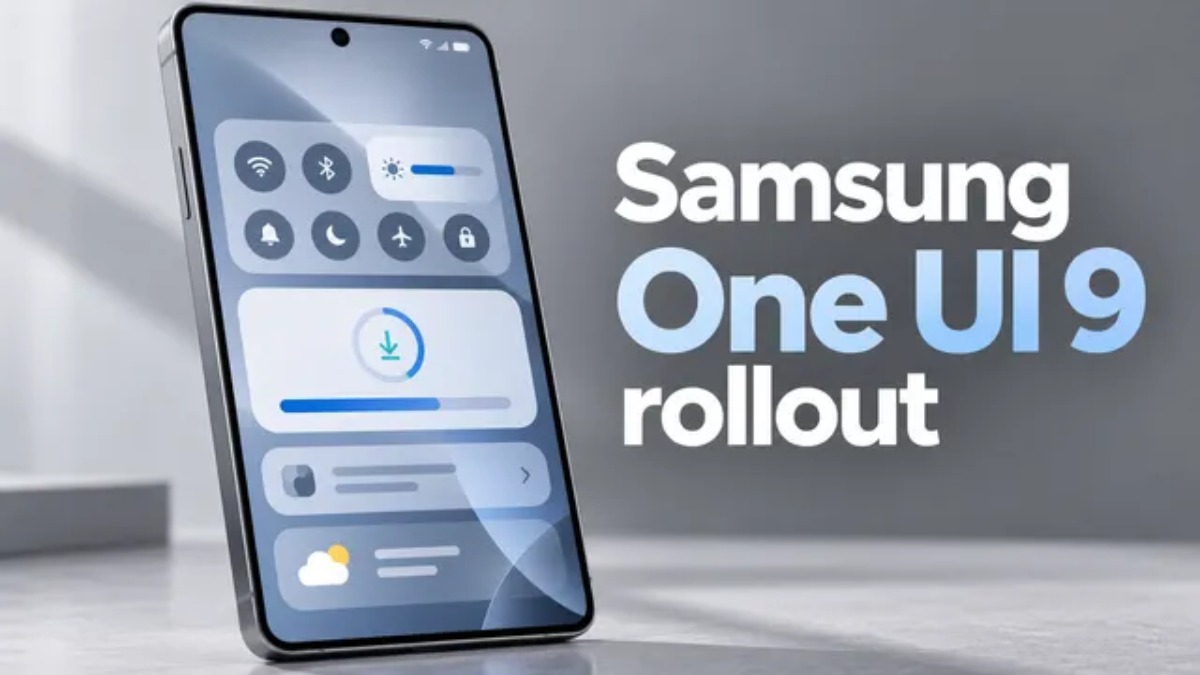
Samsung Electronics Co., Ltd. has announced that One UI 9 is expanding to additional Galaxy devices, with the rollout beginning today on the Galaxy S26, S26+ and S26 Ultra. After first launching on the Galaxy Z Fold8 Ultra, Fold8 and Flip8, One UI 9 delivers a more convenient and consistent mobile experience across different form factors, alongside a more advanced Galaxy AI experience that is designed to be more personalized, useful and capable.
New Features Give Users More Ways to Capture, Personalize and Manage
One UI 9 adds new tools that help users keep specific people at the center of their content, customize the information presented to them each day, and handle device care with greater convenience.
- My FanCam automatically follows a person selected by the user in a recorded video, keeping them centered while intelligently adjusting the framing as the action changes. The feature lets users turn fast-moving moments into content that is ready to share with less hands-on editing. Whether recording a child’s performance, a friend dancing, or an exciting sports moment, users can quickly make their chosen person the focus of the footage.
- Now Brief‘s new Generative and Editable Cards give users greater control over the content included in their daily summaries. Users can generate cards covering areas such as health, weather and video, allowing their daily brief to emphasize the information that matters most to them.
- Warranty and Care places device assistance and protection within the Settings menu. Users can check warranty status for connected mobile devices, perform self-diagnostics, see repair estimates, manage Samsung Care+ or schedule a service appointment using only a few taps.
Enhanced Capabilities Make Everyday Tasks Easier
One UI 9 extends familiar Galaxy functions to help users accomplish routine tasks with fewer steps through context-aware recommendations, timely creative suggestions, and enhancements to translation, scanning and recording features.
- Now Nudge can provide timely, context-sensitive suggestions at more points throughout the Galaxy experience, helping users continue with the next step without interrupting what they are doing. For instance, while discussing plans through text, users can access reservation information or save a shared location directly from the conversation.
- Creative Studio can now recommend image-generation concepts based on relevant upcoming occasions. If a friend’s birthday is approaching, for example, users may receive a suggestion to make a themed image or greeting, giving them a quick way to create something personal for the event.
- Interpreter adds a new Thread View that makes translated conversations easier to follow by allowing users to quickly review previous exchanges. Faster Conversation Mode translation and quicker playback with compatible Galaxy Buds can also reduce pauses, helping conversations feel more fluid and uninterrupted.
- Document Scan now makes it easier to digitize difficult materials, including curved book pages and papers with folded corners, while requiring fewer manual adjustments. On compatible Galaxy devices, large-screen-optimized views and an enhanced Finger Eraser contribute to cleaner and more practical scans.
- Voice Recorder now organizes summaries in a more structured and easier-to-read format, incorporating features such as headings and tables so users can identify important information more quickly.
Enhanced Security and Privacy Keep Users Better Informed and in Control
One UI 9 continues Samsung’s focus on privacy and security by incorporating greater transparency, user choice and control into the overall experience. The latest improvements are intended to help users recognize situations that may require attention and respond when necessary.
- Security Brief adds important security and privacy information to Now Brief, including alerts concerning malware, apps from unknown sources and unnecessary permissions. This gives users an earlier indication of potential concerns and helps them determine whether further action is required.
- Privacy Alerts use on-device AI to detect potential privacy concerns, including unnecessary background attempts to access permissions, giving users greater visibility into how their information is being accessed.
- Scam Detection is expanding to additional countries9 and languages, extending protection against potential scam calls to more Galaxy users in supported markets.











Google Adds Search Profile Badge for Websites

Samsung One UI 9 Adds My FanCam and Smarter Galaxy AI Features

September 2026 Skywatching Highlights for US Skywatchers Include Venus and Harvest Moon

Alicia Lacao-Green gains worldwide fame owing to her amazing transformations via make-up and contouring.

Amplifyou, an amazing agency for eCommerce

Vasid Qureshi, India’s Top Blogger Shares 5 Tips to Go Viral on Social Media
Google Adds Search Profile Badge for Websites
Google left out one detail from its announcement about the new Search profiles features revealed today: users can now place...

Samsung One UI 9 Adds My FanCam and Smarter Galaxy AI Features
Samsung Electronics Co., Ltd. has announced that One UI 9 is expanding to additional Galaxy devices, with the rollout beginning...

September 2026 Skywatching Highlights for US Skywatchers Include Venus and Harvest Moon
September is offering skywatchers several opportunities to observe notable events. Venus will reach its greatest brilliance, the Autumn Equinox will...


Study Globally in Switzerland, UAE, Kyrgyzstan, Latvia, or the UK with SIU this October
SIU Swiss International University, a member of the VBNN Smart Education Group, has officially opened admissions for the October 2026...


Gastauer Family Office Connects Capital Allocation With Purpose
Why portfolio structure and the Gastauer Foundation matter after the June 2026 AUM revaluation The June 2026 Revaluation Resets the...
-

 Sports4 weeks ago
Concacaf Nations League 2026/27: Groups and Schedule
-

 Sports2 weeks ago
2026 FIBA Women’s Basketball World Cup Games and Schedule
-

 Science3 weeks ago
Sturgeon Moon 2026: When and How to See August 28 Full Moon
-

 Entertainment2 weeks ago
KISS Scores Highest Billboard Top Album Sales Position in More Than a Decade
-

 Entertainment2 weeks ago
Dolly Parton Takes No. 1 on Billboard’s Hot 100 Songwriters Chart
-

 Business4 weeks ago
Gastauer Family Office Connects Financial, Natural and Cultural Capital Through the Gastauer Foundation
-

 Business4 weeks ago
The Business of Building a Brokerage for the Long Term
-

 Tech2 weeks ago
Austin Morelock Breaks Down the Hidden Science of Tool Life: How Advanced Metalworking Chemicals Reduce Wear and Downtime