
Tech
AirPods Get Custom EQ and Other New Features With Latest Update

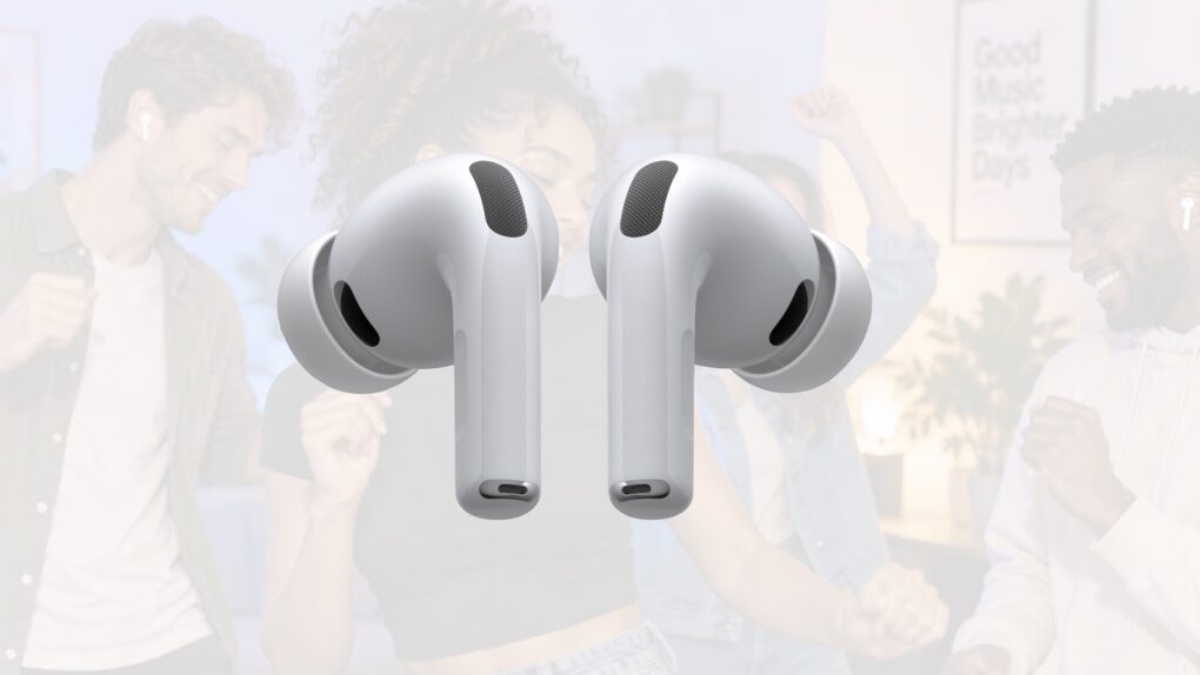
While the release of iOS 27 took much of the attention, Apple also rolled out a new AirPods software update this month. The update introduces a highly requested feature for supported AirPods models: custom EQ.
AirPods Software Details
The newest AirPods firmware versions are 9A350 for AirPods 5 and 9A348 for the other models listed below. The update is available for these AirPods models:
- AirPods Pro 3
- AirPods 4
- AirPods 4 with Active Noise Cancellation
- AirPods 5
- AirPods 5 with Wireless Charging Case
- AirPods Pro 2 (Lightning and USB-C)
- AirPods Max 2
Apple says AirPods firmware updates are installed automatically when the earbuds are charging and within Bluetooth range of an iPhone, iPad, or Mac connected to WiFi. You can view your AirPods firmware version through the Settings app on iPhone.
- Custom EQ Comes to AirPods
After the latest AirPods firmware update is installed, a long-awaited option called custom EQ appears in the Settings app.
The new custom EQ controls provide greater control over the way your AirPods sound. Through the Settings app, you can modify the lows, mids, and highs of your AirPods audio.
“AirPods are designed and engineered by Apple to faithfully represent music, TV shows and movies, and calls,” Apple explains. “If you prefer a different sound profile, you can customize how AirPods represent any audio played.”
While making adjustments with custom EQ, you can play a song from Apple Music directly within the Settings app, allowing you to hear the changes as you adjust them.
The feature is not the most sophisticated equalizer available. Instead, Apple has opted for a simple three-band system. Even so, custom EQ is an option AirPods users have been requesting for a long time, although many people will probably continue using the default settings.
The new custom EQ option is located in the AirPods section of the Settings app under the “Audio and Routing” menu. It works with all AirPods models featuring an H2 chip, including AirPods Pro 2, AirPods Pro 3, AirPods 4, and AirPods Max 2.
Other iOS 27 Features for AirPods
Here are some of the other AirPods features introduced with iOS 27:
- Settings app redesign: Apple has updated the AirPods interface in the iOS 27 Settings app. Controls have been reorganized into dedicated sections for Hearing Health, Find My, Live Translation, and more.
- Adaptive Audio slider: The Settings app now includes a slider that provides additional control over Adaptive Audio mode.
- GymKit: Although GymKit has been available for years, it previously required an Apple Watch. As my colleague Zac explains, iOS 27 brings the complete GymKit experience to iPhone and AirPods Pro 3.
- Precision Finding: AirPods Pro 3 can now be located through Precision Finding in the Find My app on Apple Watch.
- Siri AI: When connected to a compatible iPhone, AirPods can interact with Siri AI.













AirPods Get Custom EQ and Other New Features With Latest Update

How to Customize AirPods Settings in iOS 27

Gastauer Family Office Gives Nature Finance A Longer Time Horizon

Alicia Lacao-Green gains worldwide fame owing to her amazing transformations via make-up and contouring.

Amplifyou, an amazing agency for eCommerce

Vasid Qureshi, India’s Top Blogger Shares 5 Tips to Go Viral on Social Media

AirPods Get Custom EQ and Other New Features With Latest Update
While the release of iOS 27 took much of the attention, Apple also rolled out a new AirPods software update...
How to Customize AirPods Settings in iOS 27
Adjusting your AirPods settings can make a noticeable difference to your listening experience by providing options that match your individual...

Gastauer Family Office Gives Nature Finance A Longer Time Horizon
How separate investment and philanthropic mandates can support research project readiness and durable conservation outcomes Family Capital Can Support More...


September 2026 Full Moon: When, Where, and How to See the Harvest Moon
The September 2026 full moon will reach its peak at 12:49 p.m. EDT (1649 GMT) on Sept. 26, when the...


Cambodian Creators SongEthong and Ros ChanMorokorth Launch SONGKORTH Flagship Store in Lagos
LAGOS, Nigeria — Cambodian digital creator and entrepreneur Song Ethong, together with creative collaborator Ros ChanMorokorth, has launched **SONGKORTH**, a...
-

 Sports3 weeks ago
2026 FIBA Women’s Basketball World Cup Games and Schedule
-

 Entertainment3 weeks ago
KISS Scores Highest Billboard Top Album Sales Position in More Than a Decade
-

 Entertainment3 weeks ago
Dolly Parton Takes No. 1 on Billboard’s Hot 100 Songwriters Chart
-

 Tech1 week ago
Google Adds Search Profile Badge for Websites
-

 Tech4 weeks ago
Austin Morelock Breaks Down the Hidden Science of Tool Life: How Advanced Metalworking Chemicals Reduce Wear and Downtime
-

 Health3 weeks ago
How to Use Corporate and Personal Health Insurance Together
-

 Tech3 weeks ago
Google’s September Android Update Brings New Gemini and Messages Features
-

 Tech4 weeks ago
Photoshop Adds Lightroom-Style Lighting Controls Alongside New AI Tools