
Tech
Google Introduces New Updates to Its Veo AI Video Generation Tool

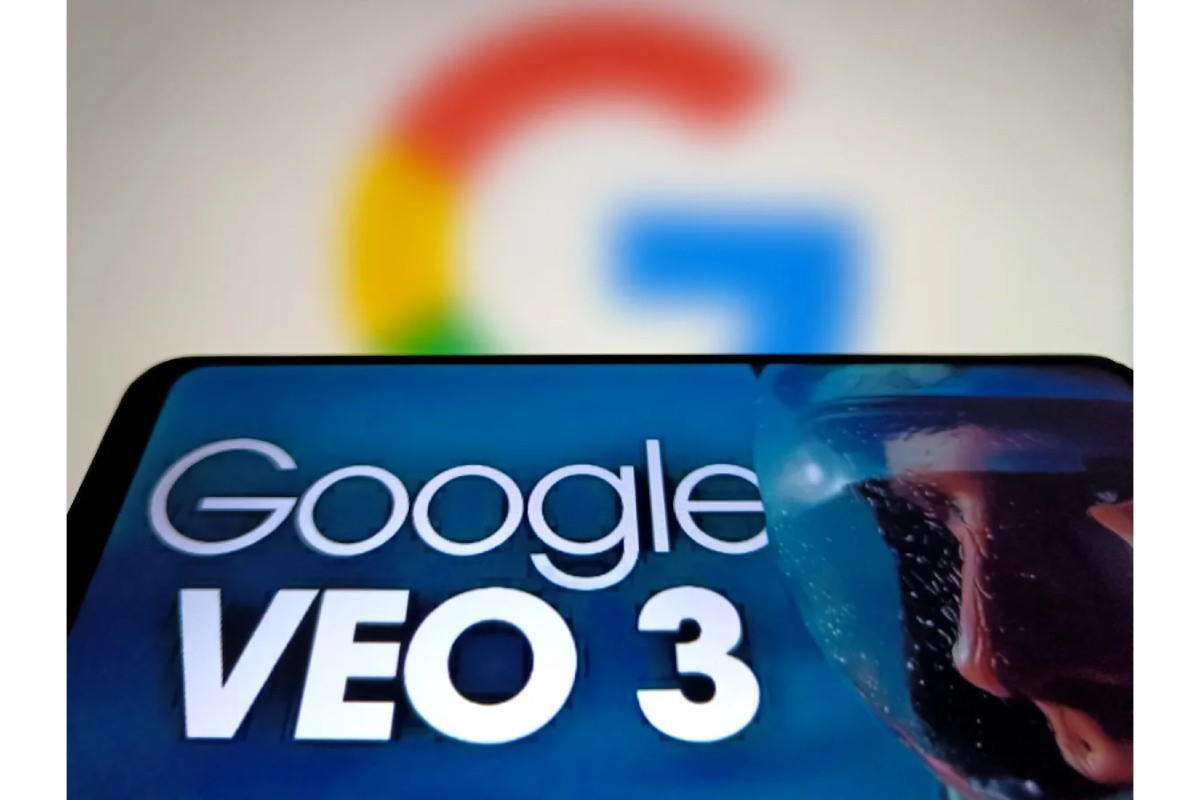
Google has revealed several upgrades to its Veo AI video-generating tool. Veo can now produce vertical videos, create videos based on reference photos, and upscale clips to 1080p and 4k resolution.
If you don’t have time to record product clips, Veo 3.1, Google’s most potent AI video generation system to date, might be a useful tool to have in your toolbox for producing video content. In fact, the ability to turn still photos into vertical videos might be useful in this regard.
According to Google:
“Even with short prompts, you can generate dynamic and engaging videos based on ingredient images. You’ll now see richer dialogue and storytelling, making your videos feel more alive and expressive.”
The secret to striking a home run with your AI video clips, or any video content, is to start with a brilliant idea. Some AI-generated videos have gathered a lot of popularity and become viral hits of their own. Developing a solid concept for your videos is just as, if not more, crucial than having the ability to produce them.
Additionally, Google points out that Veo 3.1 has improved identity consistency, which will guarantee that your characters and background objects keep their appearance even when the scenario and location change.
Additionally, as said, you may now create videos with a native 9:16 aspect ratio:
“Whether you are creating for YouTube Shorts or other platforms, you can now produce high-quality, full-screen vertical storytelling without cropping or quality loss.”
This might be a useful addition given the prevalence of short-form video, which could once more make this a tool worth exploring.
Additionally, Veo 3.1 can produce videos in 1080p and 4K through upscaling, which can enhance the appearance of your work.
Some useful developments that are worth checking out if you’re considering using AI to create videos.
According to Google, Veo 3.1 will be accessible through YouTube Shorts and the YouTube Create app. It will also be accessible in the Gemini app’s portrait and video modes starting today.
“In Shorts, get started by clicking Create [+] and then selecting the ‘Create Video’ button in your media gallery, or by selecting from the top right corner > Create video. You can also get started by downloading the YouTube Create app on Android and then tapping ‘Generate video.’ Note: This new capability will initially be available to YouTube Create users in India, the US, Canada, New Zealand, and Australia. We hope to roll out more broadly (including to iPhones) in the coming months.”
Additionally, Google is introducing the improved Veo 3.1 model to Google Vids, Flow, the Gemini API, and Vertex AI.







Choosing a Roof That Lasts: A Homeowner’s Material Checklist

Spotify Extends Audiobook Availability to More Than 180 Markets Worldwide

How Fahad Riaz Is Taking a Four Decade Family Legacy Forward With Milele Prime

Alicia Lacao-Green gains worldwide fame owing to her amazing transformations via make-up and contouring.

Amplifyou, an amazing agency for eCommerce

Vasid Qureshi, India’s Top Blogger Shares 5 Tips to Go Viral on Social Media

Choosing a Roof That Lasts: A Homeowner’s Material Checklist
A roof rarely fails all at once. It starts with a few lifted shingles after a windy week, a damp patch on...

Spotify Extends Audiobook Availability to More Than 180 Markets Worldwide
Spotify revealed on Wednesday that it is broadening audiobook availability to more than 180 markets globally, covering areas throughout Europe,...

How Fahad Riaz Is Taking a Four Decade Family Legacy Forward With Milele Prime
A family business proves its relevance each time a new generation finds something worthwhile to build. For Fahad Riaz, Milele...


Outgrowing Isn’t Giving Up: Hayson Tasher Sr. on Choosing Growth
Sometimes, the biggest opportunities begin when you realize you have outgrown where you are. For Hayson Tasher Sr., that realization...


Apple Pay Launches in India With Axis Bank as First Banking Partner
Apple started introducing Apple Pay in India on Tuesday. Axis Bank, the country’s third-largest private-sector lender, is its first banking...
-

 Sports3 weeks ago
MLB 2026 Playoffs: Full Postseason Schedule, Wild Card and World Series Dates, Games, and TV Networks
-

 Science3 weeks ago
September 2026 Full Moon: When, Where, and How to See the Harvest Moon
-
 Tech4 weeks ago
Google Adds Search Profile Badge for Websites
-

 Tech3 weeks ago
Google Will Replace Gemini Gems With Skills in November 2026
-

 Tech4 weeks ago
Google Gemini for macOS Adds Support for Apple Messages
-

 Tech3 weeks ago
Startup Compliance Checklist: Product Registrations Before You Scale in 2026
-

 Tech4 weeks ago
Samsung One UI 9 Adds My FanCam and Smarter Galaxy AI Features
-
 Gadget3 weeks ago
How to Customize AirPods Settings in iOS 27